

Variables
Write[firstname] and every send resolves it per lead. Built in: [name], [firstname], [lastname], [fullname], [salutation] and [phone] for the contact, plus [owner] and [owner_firstname] for the assigned rep. Beyond those, every field in your registry is a variable: open the variable picker in the editor and each field is listed under its label with the token to type, so [bill] or [rooftype] resolves the moment the field exists. List fields can map raw values to display text, so a stored gable_roof renders as “Gable roof” in the message. Workspaces that book meetings also get [meeting_date], [meeting_time], the host and the Meet link, plus [booking_link], the contact’s own booking page. The Booking link button in the editor can also insert a link to one specific meeting, for example a video call with the contact’s owner or one team meeting type: see Meetings.
Adjacent tokens space themselves correctly and empty values collapse cleanly, so a missing last name never leaves a double space.
Type @ to insert one
Anywhere you write a message, type@ and start typing what you want. Search by the name you know the field by, not the token: @call back finds “Call back time”. Pick it and it drops into the message as a small blue label reading Call back time, so you can read the sentence back at a glance instead of decoding brackets. Arrow keys move through the list, Enter picks, Escape closes.
The label is only what you see. The message still sends the real value, and deleting the label removes the whole variable in one keystroke rather than leaving half a token behind.
This works in message templates, the subject line, the WhatsApp composer, email bodies and the notes an automation writes.
Answers from your calls
Anything your voice agent asks and records is a variable too, listed under From the call in the picker. If an agent captures a callback time, a budget or a property type, you can put that straight into a follow-up message or a note. The value is the one from the call that just happened, so a note written by a rule after a call can repeat back what the caller actually said.When a contact’s value is empty
A variable with nothing behind it disappears from the sentence. Fine for a missing last name; not fine forCourses in [course_type], which becomes Courses in.
Underneath the message body, Variable defaults lists every variable you’ve used with a box for its fallback. Fill in education for [course_type] and contacts without one still read a complete sentence. Leave it blank and the variable keeps disappearing, exactly as before.
The boxes belong to the message, not to the field, so each language tab has its own — the Turkish tab falls back to Turkish wording and the English tab to English. If you’ve set the same fallback elsewhere, the box suggests it as you type.
On WhatsApp business templates (the approved kind used to start conversations), an empty variable doesn’t just drop a word — WhatsApp refuses the message entirely. So a variable from your field registry needs a fallback before you can submit one for approval, and the editor names the ones still missing. Built-in variables are exempt:
[firstname] and the rest come from the contact’s own name, so they can’t turn up empty. So are the meeting variables (apart from [meeting_link]) and the booking links, which every send fills in. Filling a fallback in never sends the template back for review; the approved wording is unchanged.Languages
A template can hold one body per language. The rule is strict on purpose:- No language tabs: the template is language-agnostic and sends to everyone.
- With language tabs: each contact gets the body matching their language. A contact with no language of their own counts as being in your Default language. If no tab matches, what happens is your choice, under Workspace setup → Languages: Default language either sends the version in a language you pick (English, say) or doesn’t send at all. New workspaces start on English. Workspaces that existed before this setting stay on None: skip the message until an admin changes it, and then a contact with no language and a template with no matching tab are both skipped.
- When you pick a template yourself, you choose the version. In the WhatsApp send window on a contact page or a contacts selection, a template with several tabs shows a language picker: on a contact page it starts on the contact’s language (or the first tab if there’s no tab for it), and in a selection it starts on matching each contact. A contact’s language is their own Language field. Whatever you leave picked is what goes out, so a manual send is never held for language.
- A template with one language tab sends that language to everyone by default. With a single tab there is no second language to match a contact against, so matching by language could only ever skip people. Automation actions default to “for everyone” and you can still switch back to matching each contact’s language for a genuinely single-audience campaign.
- A language tab can’t be removed while it is approved. Removing it wouldn’t withdraw the approval — it would leave it stranded, and first messages from that number would start failing. Remove the approval first under Meta template, then the tab.
What Meta holds
Once a WhatsApp template is approved, Meta keeps its own copy, and four things belong to Meta from then on: the body, the header, the footer and the buttons. Everything else — tags, the assistant selection, variable defaults — is yours to change freely and saves without a word. Change one of Meta’s three and Save asks whether to resubmit. That is not bureaucracy: saving on its own would leave Meta delivering the old wording while this page showed the new one, with no way to see the difference. Saving and resubmitting keeps them the same — the approved version keeps going out until Meta reviews the new one, so nothing stops in the meantime. Cancelling loses nothing. Your edits stay as unsaved changes, and Discard puts the approved wording back. An approved template with unchanged content has no Resubmit button. It appears when the saved wording, header, footer or buttons differ from the approved copy. Rejected submissions can still be retried.A template’s language can’t be changed at Meta. A template is identified by its account, its name and its language together, so there is no “switch this to Turkish”. You add the right language alongside the wrong one under the same name, then remove the old one. That is what Submit for approval on a second language row does.
Media
In the WhatsApp editor, Preview for a contact… and the message bubble are centered in the preview pane. Search for a contact to see their variables filled in; clear the selection to return to the general preview.Images and documents
Every image and document you send lives in one media library, shared by the whole workspace. The image button in a template or a send window opens it. In a send window it opens inside that same window, and picking something, or Back, returns you to your message as you left it. Most of the time you don’t need to open it. Paste a screenshot into a message, or drop files onto a send window or a template’s message box, and Nudge uploads them to the library and attaches the first one. Upload the same file twice and you get the copy that’s already there, not a second one.- Images. Anything over 1 MB is shrunk to fit before it uploads, so a full-screen screenshot just works. Formats WhatsApp won’t show as a picture, such as WebP or HEIC, are converted.
- Documents. PDF, Word, Excel, PowerPoint, text and ZIP files up to 5 MB. Upload works from either tab; the library opens the tab the file lands on. A document’s name is the file name your contact sees, so rename it before you send if it needs it.
- Links. Add link stores the address of a public image or PDF instead of a file. Pasting a link while the library is open does the same.
Tags
Tags are free-form. Add one with + Add, type it, and it exists; the library filters by them and the template pickers group by them. Existing tags are suggested as you type, and typing one that already exists in different capitals reuses it rather than creating a near-duplicate. Click a tag’s name to rename it. A rename applies everywhere that tag is used, not just on the template you are looking at — the ✕ beside it is what removes it from this one template. Automations have labels that work exactly the same way, but the two lists are separate on purpose. Tagging a template “Onboarding” does not file it with the automations labelled “Onboarding”, and neither creates or renames the other.Opening templates
Click a template name to open it. Cmd-click on Mac or Ctrl-click on Windows/Linux opens it in a new browser tab; the right-click menu works too. Refreshing keeps you in the same saved template. The back arrow returns to its channel’s library. The browser tab title includes the template name and Template. An email with no name uses its subject instead. The library tab is titled Templates, so it is easy to distinguish from Automation or an automation editor.WhatsApp and Email are separate tabs
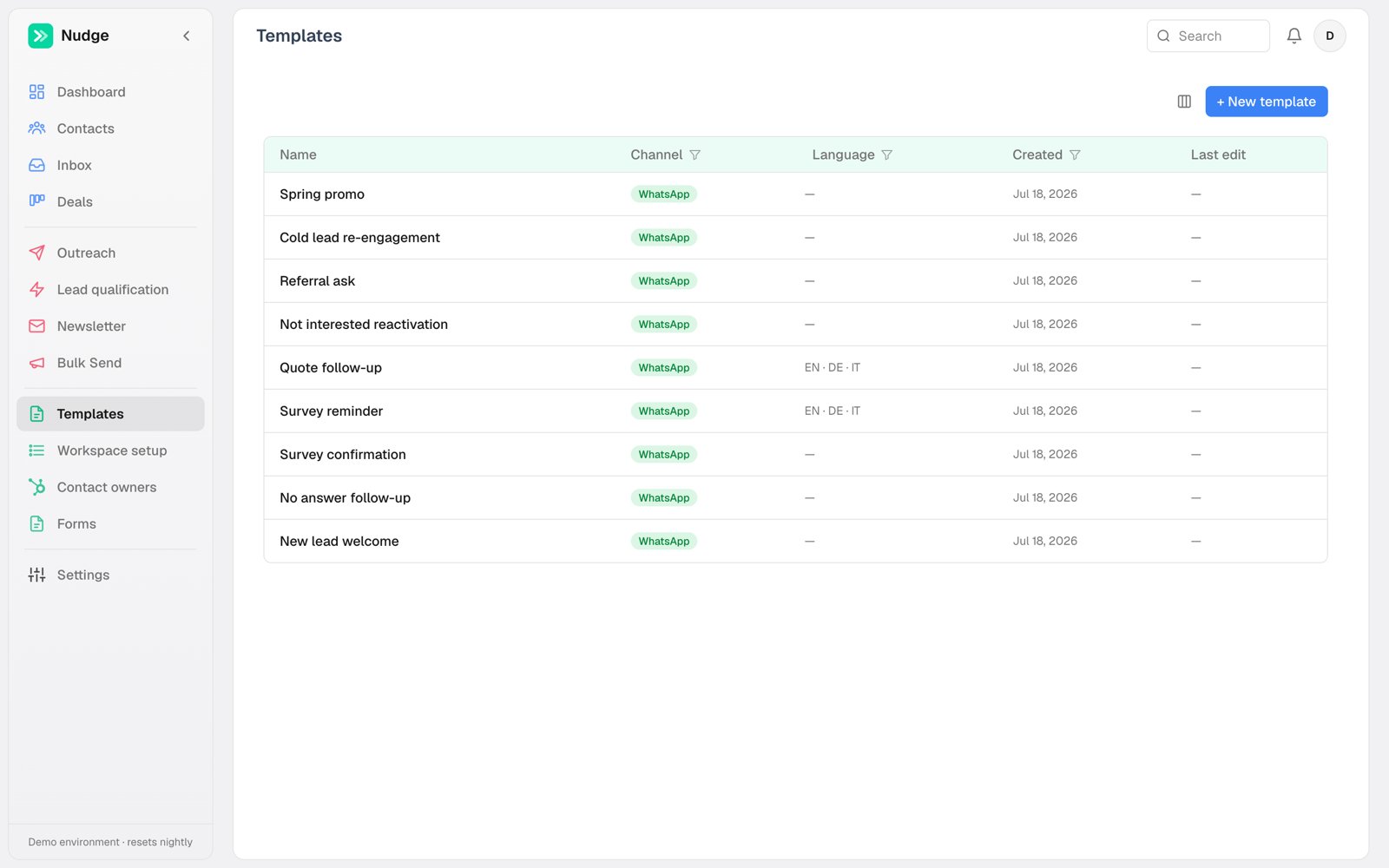
The library opens on WhatsApp, with Email beside it. They are split because the two channels need different columns: an email has a subject line, a WhatsApp template has Meta approvals, and neither means anything to the other. While you are searching, both tabs show how many matches they hold — so a template on the tab you are not looking at is never silently hidden. An email template with no name of its own is listed by its subject, with the subject shown underneath the name when the two differ. Name it whatever helps you find it; the subject is what the recipient reads.Where a template is approved
On the WhatsApp tab, the Tags column also shows where each template is approved: one pill per WhatsApp account, with the message category (Utility or Marketing) beside it, after the template’s own tags. A template with nothing submitted shows only its tags. Most of the time an account name on its own means approved and working. Anything else says so:- in review — submitted, waiting on Meta
- rejected — Meta declined it; the reason is under Meta template
- edited — the wording has changed since approval, so cold sends still deliver the approved version
- wrong language — approved, but in a language this template never sends in, so the approval can never be used