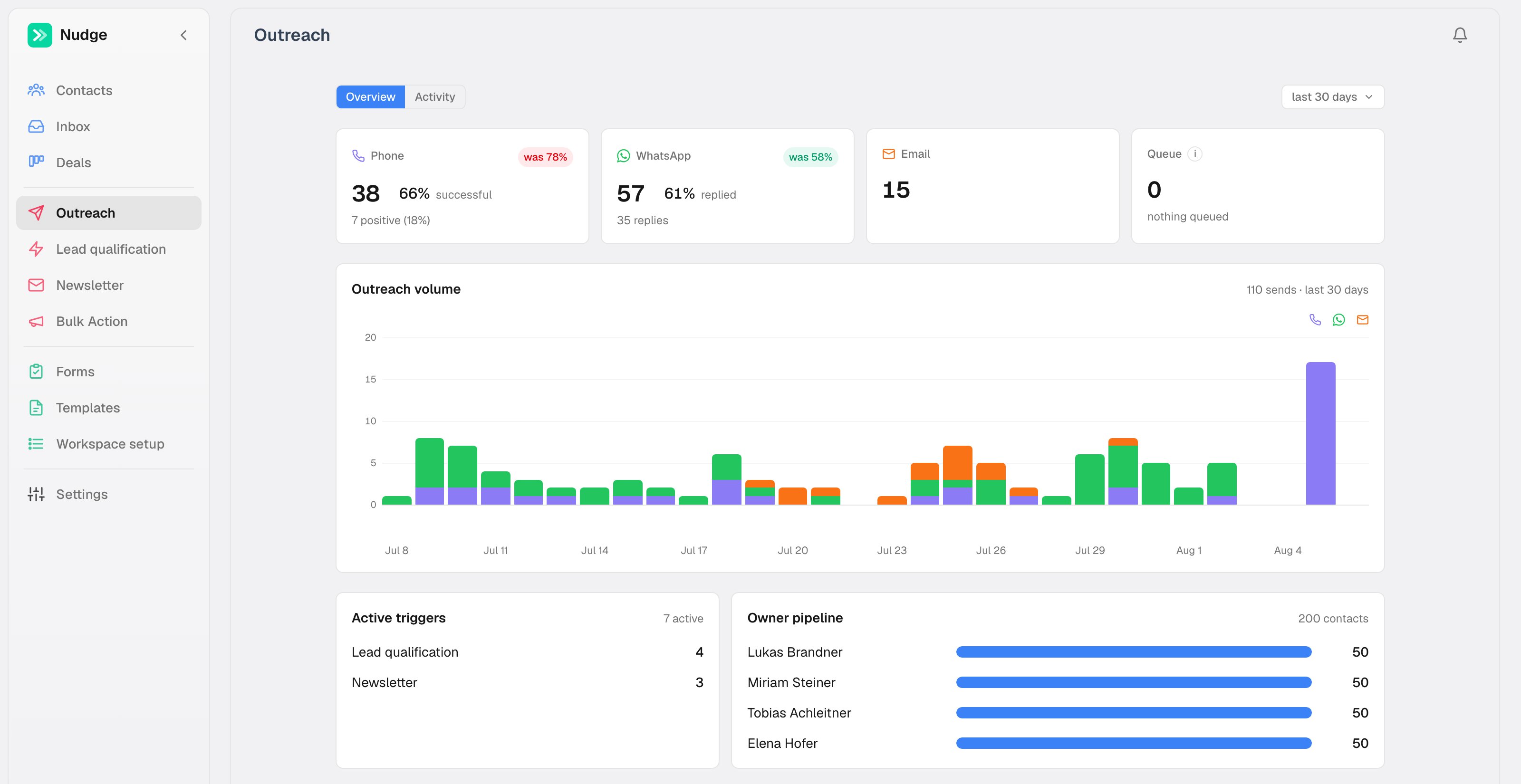
Nudge is a CRM built around one idea: most deals die from silence, not rejection. So the CRM itself does the following up. You define the rules once, and Nudge calls new leads with an AI voice agent, sends WhatsApp messages from your team’s numbers, and emails what needs a paper trail. The moment a lead replies, automation stops and a human takes over.
The Nudge dashboard: pipeline value, win rate and revenue by month

The pieces

Contacts

Every lead with its state, owner and last touch. The whole app runs off this list.

Triggers

Rules that read like sentences: new lead, call within the hour, WhatsApp on no answer.

Channels

WhatsApp, AI voice calls and email, each used where it works best.

Deals and forms

A pipeline board and public lead forms, fed by the same contacts.

One state drives everything

Every contact has a possibility: its state in your pipeline. New lead, Contacted, No answer, Qualified, Quote sent, Customer, whatever fits your process. Triggers watch these states. When a contact enters a state, the matching trigger fires; the outcome of that step (a call result, a sent message) moves the contact to the next state, which can arm the next trigger. That is how one-line rules chain into full workflows without a flowchart editor.

Your CRM, or your HubSpot

Nudge works standalone: contacts, deals and forms live in Nudge and nothing else is needed. If your team already runs on HubSpot, connect it instead. Nudge pulls the leads your automations need and writes every send, call and status change back, durably, with retries. See HubSpot mode.

See it live

The fastest way to understand Nudge is the live demo: a fictional Tyrolean solar installer with 200 contacts, running triggers and simulated calls. No signup, resets nightly. The quickstart walks you through it.